
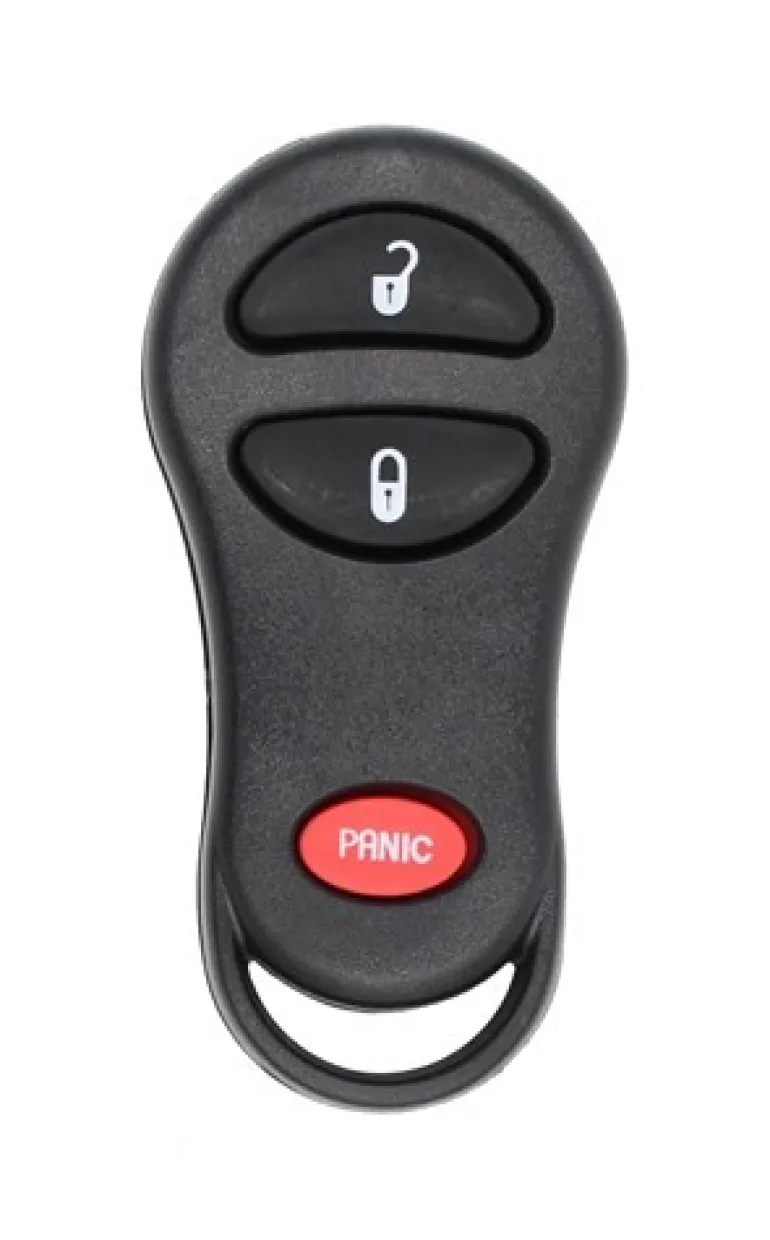



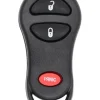
Chrysler, Dodge 04686481AF OEM 3 Button Key Fob
Original price was: 9,00 $.6,89 $Current price is: 6,89 $.
This is a Factory OEM (Original Equipment Manufacturer) Dodge | Chrysler | Plymouth 3 Button keyless entry remote, aka “key fob”.
Genuine OEM electronics in a new aftermarket case.
Dodge | Chrysler | Plymouth
- 1999-2003 Chrysler Town & Country
- 2001-2004 Chrysler Voyager
- 2001-2004 Dodge Dakota
- 2001-2004 Dodge Durango
- 1999-2003 Dodge Grand Caravan
- 2002-2005 Dodge Ram
- 2001-2003 Plymouth Prowler
- 1999-2002 Plymouth Voyager
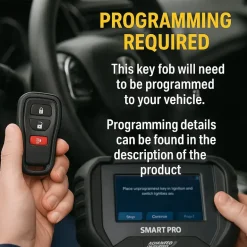
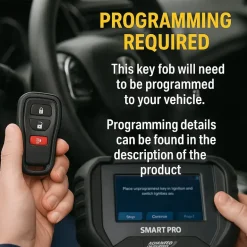
NOTE: You must have a working remote to self-program this remote. If you do not have a working remote, you must take it to a dealership or locksmith for programming. If procedure #1 does not work, then please try using procedure #2.
Procedure #1
1. Obtain all remotes you would like to use for your vehicle. Insert key into ignition and turn to ON position. (Do not start your vehicle)
2. Press and hold UNLOCK on a currently functioning remote for 5 to 10 seconds.
3. While holding the UNLOCK button during the 5 to 10 second period, press the PANIC button for 1 second and release both buttons at the same time. A chime should sound within 3 seconds to indicate your vehicle has entered programming mode.
4. Press any button on the remote used in step 3. You should hear an audible tone indicating that remote has been re-programmed. This step must be done within 30 seconds of hearing the first chime in step 3.
5. Within 30 seconds of completing step 4, press any button on the next remote. Repeat this step for all additional remotes including previously working remotes.
6. Programming is now complete. Turn ignition off and test remotes to ensure proper programming.
Procedure #2
1. Obtain all remotes you would like to use for your vehicle. Insert key into ignition and turn to ON position. (Do not start your vehicle)
2. Press and hold UNLOCK on a currently functioning remote for 5 to 10 seconds.
3. While holding the UNLOCK button during the 5 to 10 second period, press the PANIC button for 1 second and release both buttons at the same time. A chime should sound within 3 seconds to indicate the vehicle has entered programming mode.
4. Press the LOCK and UNLOCK buttons simultaneously on the same remote used in step 3, then release. You should hear an audible tone indicating that the remote was recognized. Once tone is heard press and release the UNLOCK button on that remote. A chime should sound indicating that the remote has been programmed. This must be done within 30 seconds of step 3.
5. Within 30 seconds of completing step 4, press the LOCK and UNLOCK buttons on the next remote and release. You should hear an audible tone indicating that the remote was recognized. Once the tone is heard, press and release the UNLOCK button on that remote. A chime should sound indicating that the remote has been programmed. Repeat step 5 for all additional remotes including previously working remotes.
6. Programming is now complete. Turn ignition off and test remotes to ensure proper programming.
Be the first to review “Chrysler, Dodge 04686481AF OEM 3 Button Key Fob”
Related products









Reviews
There are no reviews yet.